
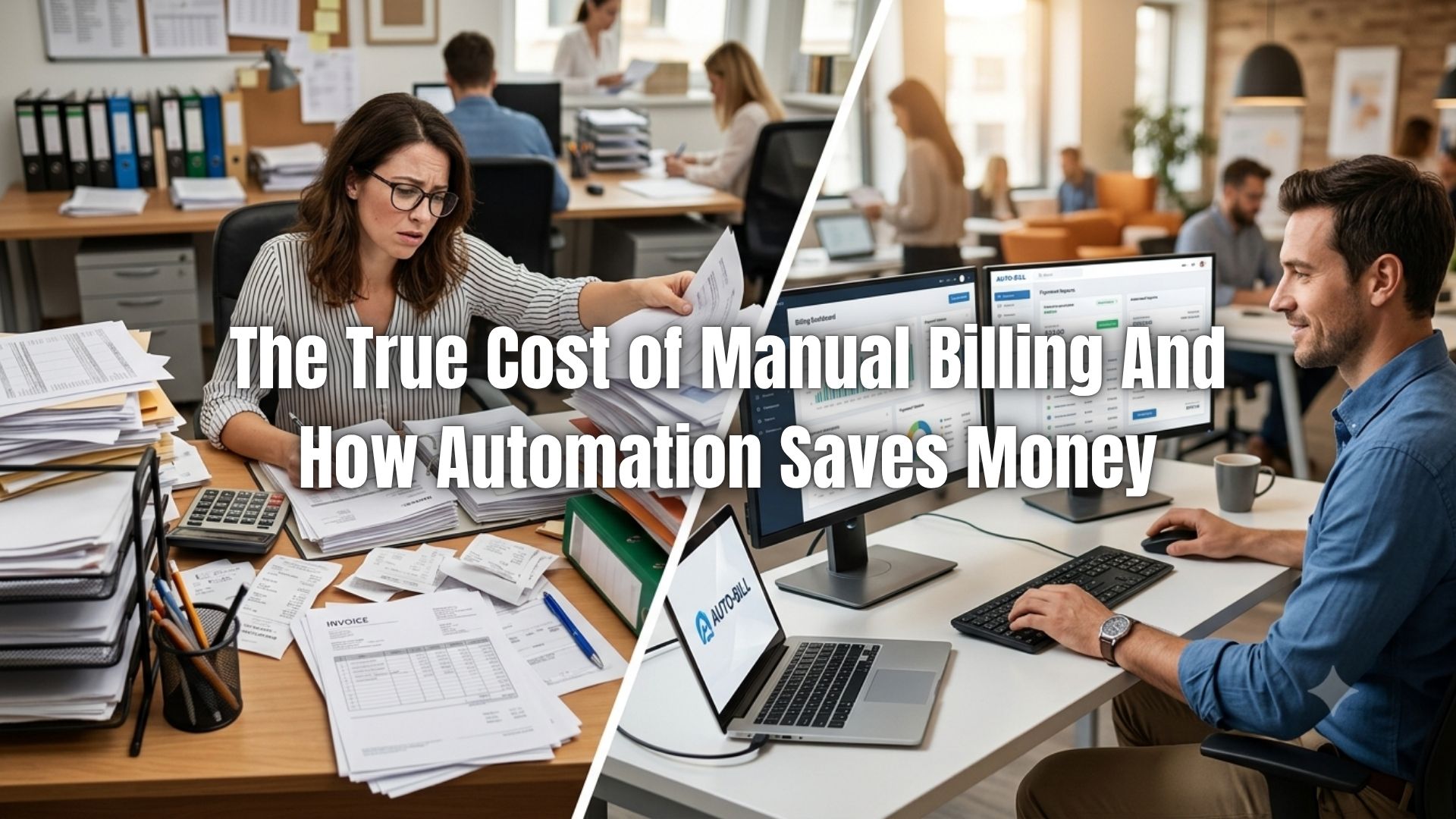
Billing automation ROI is not a complicated calculation. Manual invoice processing costs an average of $15 per invoice. Automated processing brings that down to $2 to $3. For a small business sending 100 invoices a month, that gap alone represents more than $14,000 in annual savings before accounting for the time recovered, errors eliminated, and payments collected faster.
Most small businesses do not think of manual billing as a cost center. They think of it as just how billing works. This article is about what that assumption actually costs.
Table of Contents
ToggleWhat Manual Billing Really Costs Per Invoice
The $15 per invoice figure comes from industry benchmarks compiled by APQC and echoed across accounts payable research. It reflects the fully loaded labor cost of creating, sending, tracking, and following up on a single invoice manually: the time spent building it, correcting errors, chasing the payment, and reconciling it in the books.
That number scales fast. A business processing 200 invoices monthly spends the equivalent of $3,000 per month, or $36,000 per year, just on the labor side of billing. Organizations automating those same workflows bring per-invoice cost down to between $2 and $3, translating to direct savings of $10 to $13 per invoice, according to Resolve Pay’s 2025 invoice processing analysis.
The labor cost is only part of the picture. Manual billing also produces errors. Studies consistently put the invoice error rate for manual processes at around 39%. Each error requires correction time, creates payment delays, and occasionally triggers disputes that consume far more staff hours than the original billing did. Automated systems reduce error rates by up to 80% compared to manual processing.
The Cash Flow Cost Nobody Talks About
Late payments are structurally tied to manual billing. When invoices are created by hand, they go out later, contain more errors, and lack the automated reminder sequences that prompt timely payment. The result is predictable: slower collections, longer days sales outstanding (DSO), and cash flow gaps that force small businesses to operate on thinner margins than they should.
The numbers are significant. According to a 2025 accounts receivable study from Quadient, 56% of US small businesses report being owed money from unpaid customer invoices, with an average outstanding balance of $17,500 per business. Nearly half say at least some of their invoices are more than 30 days overdue. Half of those businesses with frequent late payments report cash flow problems as a direct result.
Businesses that receive payment on electronic invoices get paid roughly 40% faster than those relying on manual processes. Automation also reduces DSO by an average of 15 to 30 days, which means cash arrives weeks earlier in the cycle.
For a business with $200,000 in monthly revenue, collecting even 20 days faster changes what is available to operate and invest. That is billing automation ROI that never appears on a single line item but shows up across every financial decision the business makes.
Billing Automation ROI: A Straightforward Calculation
The ROI math is accessible to any business owner with a rough sense of their billing volume and staff costs. Here is how to run it:
Start with your current cost. Multiply the number of invoices you send monthly by $15 (the manual processing benchmark). Then multiply the same volume by $2.50 (the automated processing midpoint). The difference is your direct monthly savings.
Add in the time recovered. If a team member spends 15 hours per month on manual billing tasks at a fully loaded cost of $30 per hour, that is $450 per month, or $5,400 per year in recoverable labor.
Add in error reduction. If billing errors generate disputes, credit notes, or payment delays that cost you an estimated $300 to $500 per month, automation preventing 80% of those errors saves another $2,880 to $4,800 annually.
For most small businesses, billing automation pays for itself within three to six months through labor savings alone. Additional gains from faster collections and fewer disputes improve that return further in year one.
Where Billing Automation ROI Shows Up Beyond the Numbers
The financial case for automation is strong, but the operational shifts matter too.
Manual billing requires staff to stay attentive to billing cycles, client details, payment terms, and follow-up timing. It is detail-intensive work with very little margin for error. As client volume grows, the workload scales linearly, which means either more staff time or more mistakes.
Automated invoicing scales without that trade-off. A business with recurring billing in place generates invoices automatically, sends them on schedule, and runs payment reminders without staff involvement. That capacity does not degrade as volume doubles.
There is also a customer experience dimension. Inconsistent invoice formats, billing errors, and irregular communication timing erode client confidence. Billing and payment processing that is standardized and automated produces a more professional experience, and clients who receive predictable, accurate invoices pay more consistently.
What to Automate First
Not every part of billing needs to be automated at once. The highest-return targets are the ones that consume the most time and generate the most errors.
Recurring invoice generation is the clearest first step for businesses with repeat clients. Instead of recreating the same invoice each month, the system generates and sends it automatically. This single change eliminates the majority of manual billing labor for subscription-based or retainer-based businesses. The invoice automation guide for small businesses walks through how to structure this in practice.
Payment reminders are the second highest-return automation. Manually following up on overdue invoices is time-consuming and often inconsistent, which means some overdue invoices never get followed up at all. Automated reminder sequences that fire on schedule reduce late payments without requiring staff attention.
For businesses managing installment payments or larger project billing, installment billing automation schedules each payment milestone and handles collection automatically, removing the manual tracking that project-based billing typically requires.
ReliaBills automates all three: recurring invoice generation, payment reminders, and structured payment collection, within a single platform built specifically for small business billing workflows.
Manual vs. Automated Billing: Side-by-Side
| Factor | Manual Billing | Automated Billing |
|---|---|---|
| Cost per invoice | $15 avg. | $2 to $3 |
| Error rate | ~39% of invoices | Up to 80% reduction |
| Time per invoice | 14.6 days to process | Days to hours |
| DSO impact | No systematic improvement | 15 to 30 days faster |
| Staff time required | Scales with volume | Flat after setup |
| Reminder follow-up | Manual, inconsistent | Automated, on schedule |
| ROI payback period | N/A | 3 to 6 months typical |
Frequently Asked Questions
1. What is the average cost of processing an invoice manually?
Industry benchmarks put the average at $15 per invoice, reflecting labor for creation, error correction, payment follow-up, and reconciliation. Automated systems bring that cost down to $2 to $3, a reduction of 80% or more.
2. How long does billing automation take to pay for itself?
For most small businesses, the payback period is three to six months when calculated on labor savings alone. Businesses with high invoice volumes or chronic late payment issues often see faster returns due to accelerated collections and reduced dispute handling.
3. Does billing automation work for project-based businesses or just subscriptions?
Both. Recurring billing automates invoice generation for ongoing services. Installment billing handles fixed-total project payments split across a schedule. Most billing platforms support both, so the automation model can match the nature of each client engagement.
4. What types of billing errors does automation prevent?
The most common manual errors are incorrect amounts, wrong billing dates, missing line items, and misapplied payment terms. Automated systems generate invoices from stored templates and client data, eliminating the data entry step where most errors originate. Related reading: common invoicing mistakes and how to fix them.
5. How does automation affect cash flow specifically?
Automated invoicing sends bills on time, follows up consistently, and offers integrated online payment options that reduce friction for clients. Businesses collecting on electronic invoices get paid roughly 40% faster than those on manual processes. Over a year, that accelerated collection has a measurable compounding effect on cash availability.
6. Will switching to automated billing require significant staff retraining?
Cloud-based billing platforms are designed for small business use and typically require minimal setup time. Most businesses can configure recurring billing schedules, payment reminders, and client templates within a few hours. The steeper learning curve is organizational: building the habit of letting the system handle what was previously done manually.
Bottom Line
Billing automation ROI is not theoretical. The per-invoice savings are documented, the labor recovery is calculable, and the cash flow improvement from faster collections is measurable within the first quarter of adoption.
The cost of staying on manual billing is also real, even when it is invisible in the day-to-day. Staff hours consumed by data entry and follow-up, errors that delay payment, and cash sitting uncollected because invoices went out late or reminders were missed all represent money the business already earned but has not yet captured.
Automated invoicing software addresses all of these gaps. For businesses ready to calculate what the switch is worth, start with invoice volume, multiply by the $12 to $13 per-invoice savings, and add in the value of time recovered. For most small businesses, the case closes itself.